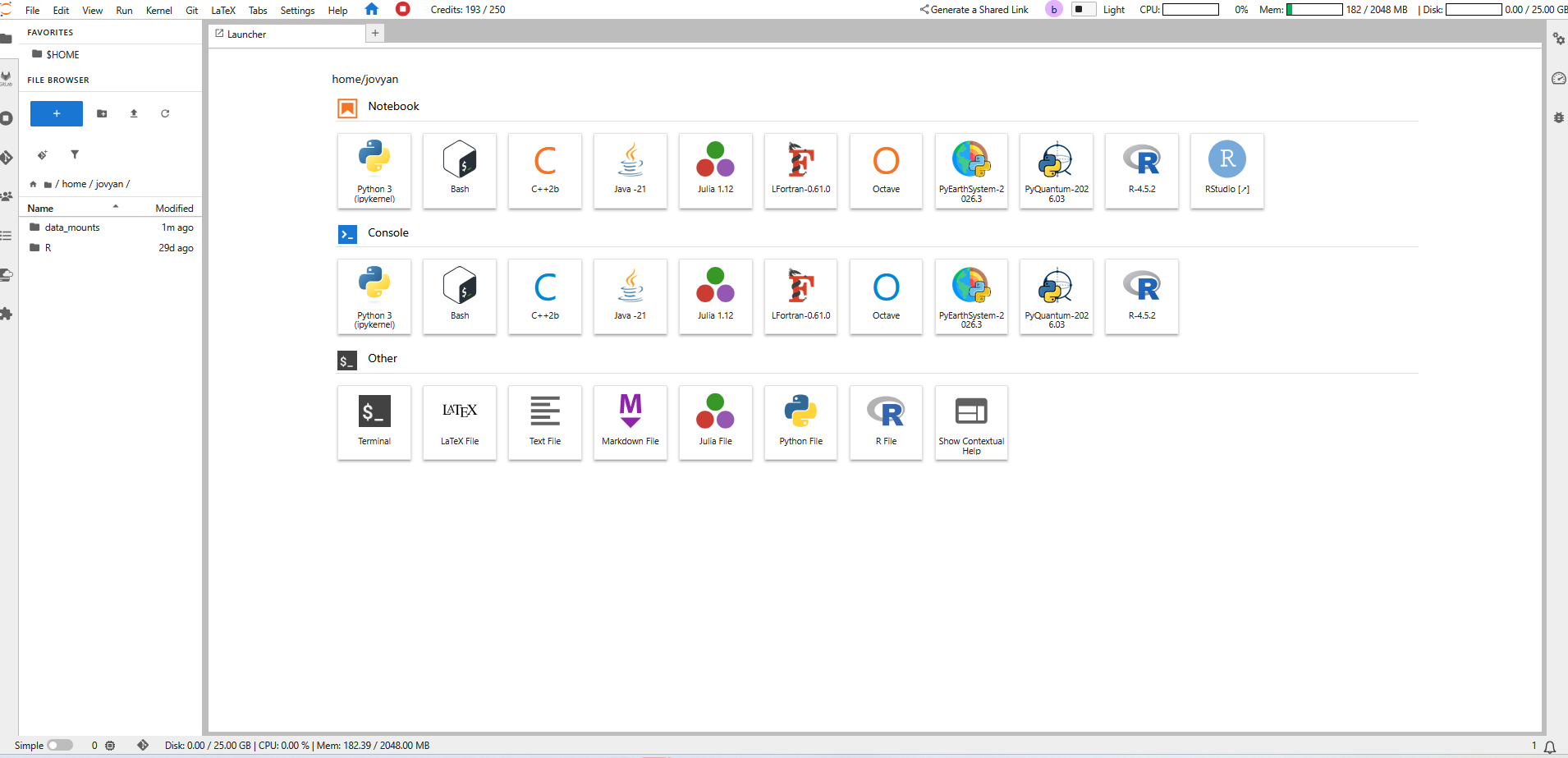
Jupyter4NFDI can run notebooks using different programming languages.
On Jupyter4NFDI, you are able to work in using languages such as: Python, R, Julia, Bash, Java, C++, Octave, Fortran, or other. The notebook interface is separate from the program that executes your code.

That program that executes the code is called a kernel (you can think of it as the engine behind JupyterNotebook).
Start JupyterLab XL on Jupyter4NFDI.
Open the Launcher.
Look at the available notebook kernels.
Identify at least two different programming languages.